CLOUD-DRIVE CONFIG
Cloud-Drive Enabled Luminaires & LED Dimmers
AXALIGHT Cloud-Drive enabled units can be controlled and configured over WiFi using two methods:
- WiFi Direct Portal Access - Temporary for initial setup / testing
- Structured WiFi Network - Long term integration to control system.
Cloud-Drive devices will first attempt to connect to a structured WiFi network on power up, if a structured connection cannot be established the Cloud-Drive device will create it's own WiFi Direct Portal for local setup and testing:
WIFI Direct Portal Access
On power up Cloud-Drive enabled devices temporarily create a WiFi network for local setup and testing.
Each Cloud-Drive enabled device has a unique SSID comprised of the product name followed by its UID.
XX:XX:XX:XX is the UID Unique Product ID - the UID is printed on every AXALIGHT enabled product
From a phone / tablet / laptop search WiFi for the Cloud-Drive enabled AXALIGHT device you wish to access. e.g.
"HEXI Q7+ XX:XX:XX:XX”
"HEXI M7+ XX:XX:XX:XX”
“SKYLINE Q35+ XX:XX:XX:XX”
“CLOUD DRIVE 8 XX:XX:XX:XX”
“DMX DRIVE 8 XX:XX:XX:XX”
Connect to the chosen device WiFi network SSID on your phone / tablet / laptop.
The device will flash slowly when successfully connected.
After connecting to the AXALIGHT devices WiFi, point your browser to “192.168.4.1” or “http://192.168.4.1” and the product CLOUD menu UI will be displayed. (see UI section below)
Note that the direct portal WiFi automatically disables when an ArtNet packet is received (from a structured source) or after 10 mins of inactivity. Power cycle the unit to re-enable the portal if required.
Structured WiFi / ArtNet Control
In normal operation AXALIGHT Cloud-Drive enabled devices automatically connect to a structured WiFi network on power up.
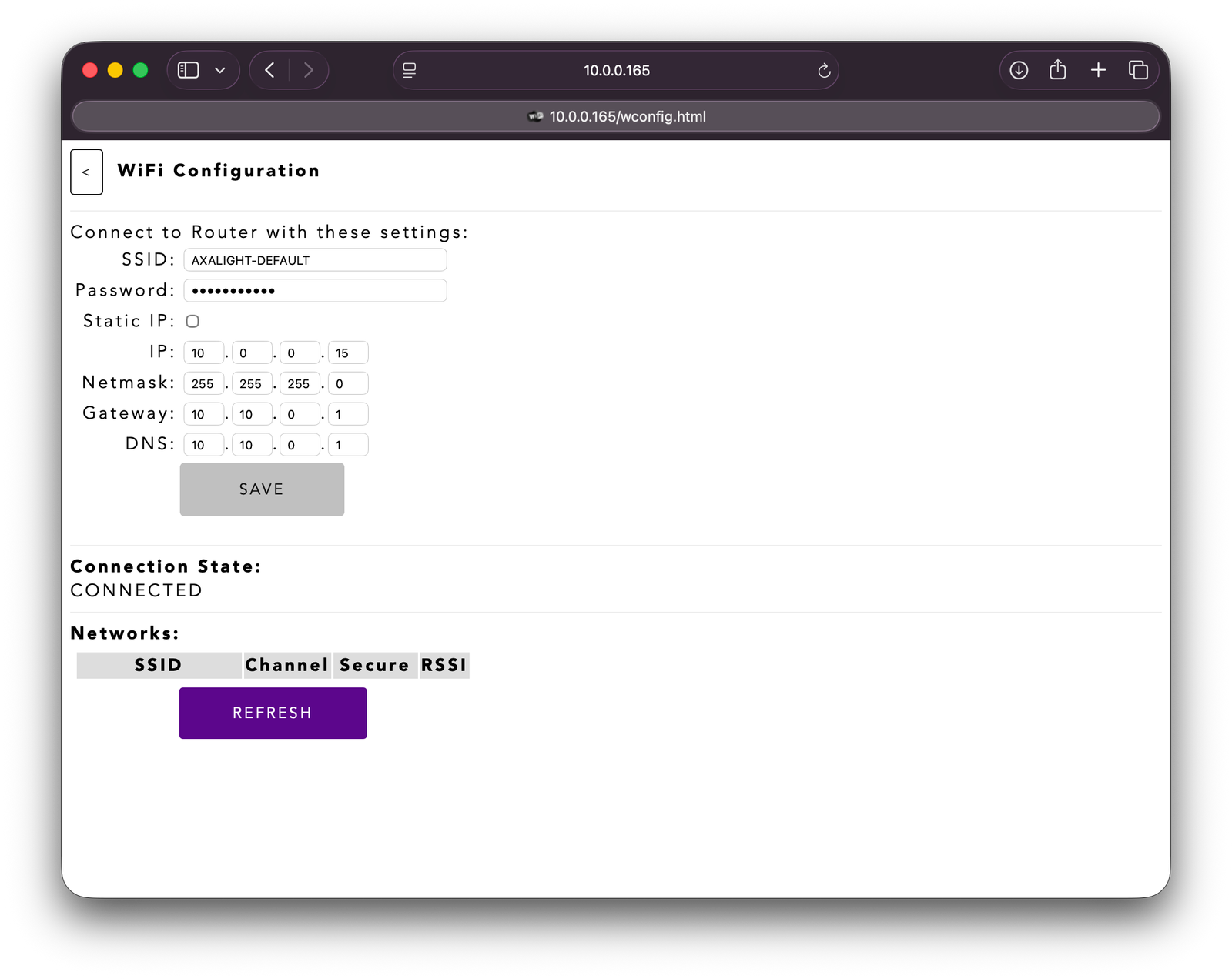
The factory default WiFi SSID to connect to is:
SSID = AXALIGHT-DEFAULT
password = xxxxxxxxxxx (contact us for the default password)
To connect the Cloud-Drive device a SSID of your choice use portal access method to configure)
Broadcast ArtNet to 255.255.255.255 (or x.y.z.255)
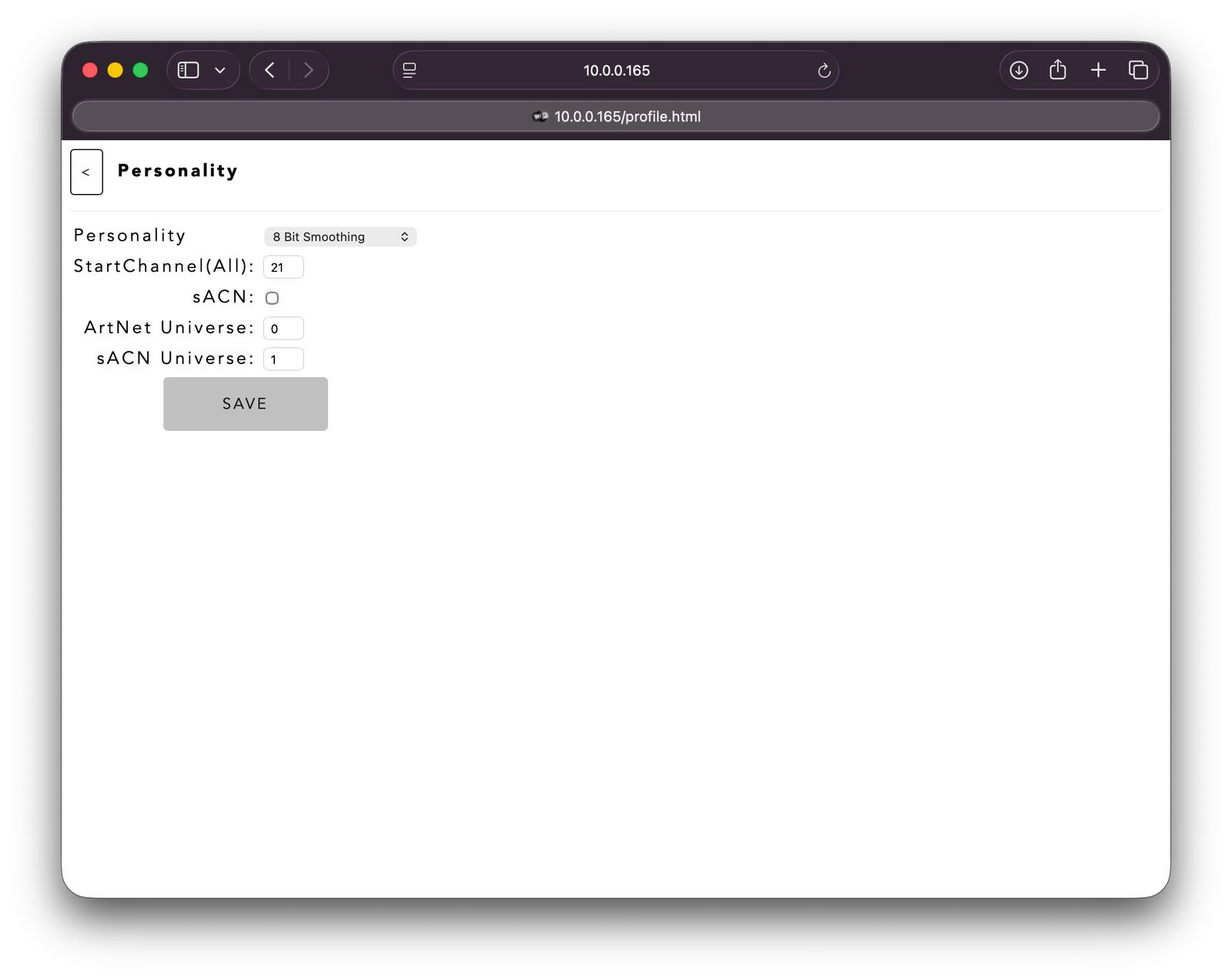
By default the ArtNet universe will be 0 with start address of 001
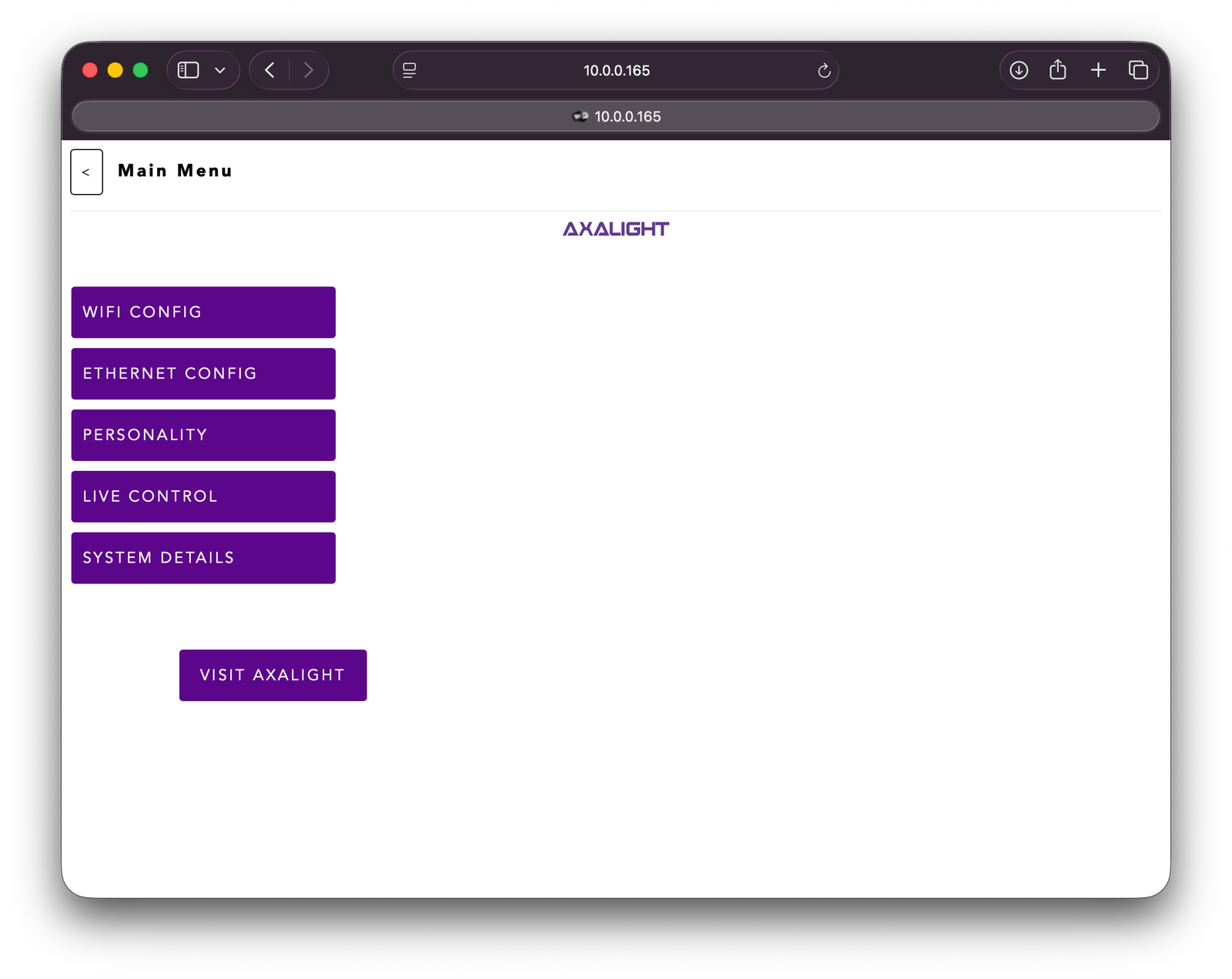
To access the Cloud-Drive Configuration UI, use a brower to connect to the devices IP address.
The devices DHCP IP address can be discoverd by using a LAN scanner tool using its UID / mac address
Cloud Drive Configuration UI
Cloud Drive enabled devices are configured using a browser UI.
To access the UI connect to the device using the device IP address via portal or structured WiFi access (see above)
The UI provides the following features:
- WIFI CONFIG - dispplay and configure the WiFi settings
- PERSONALITY - configure the DMX / ArtNet settings
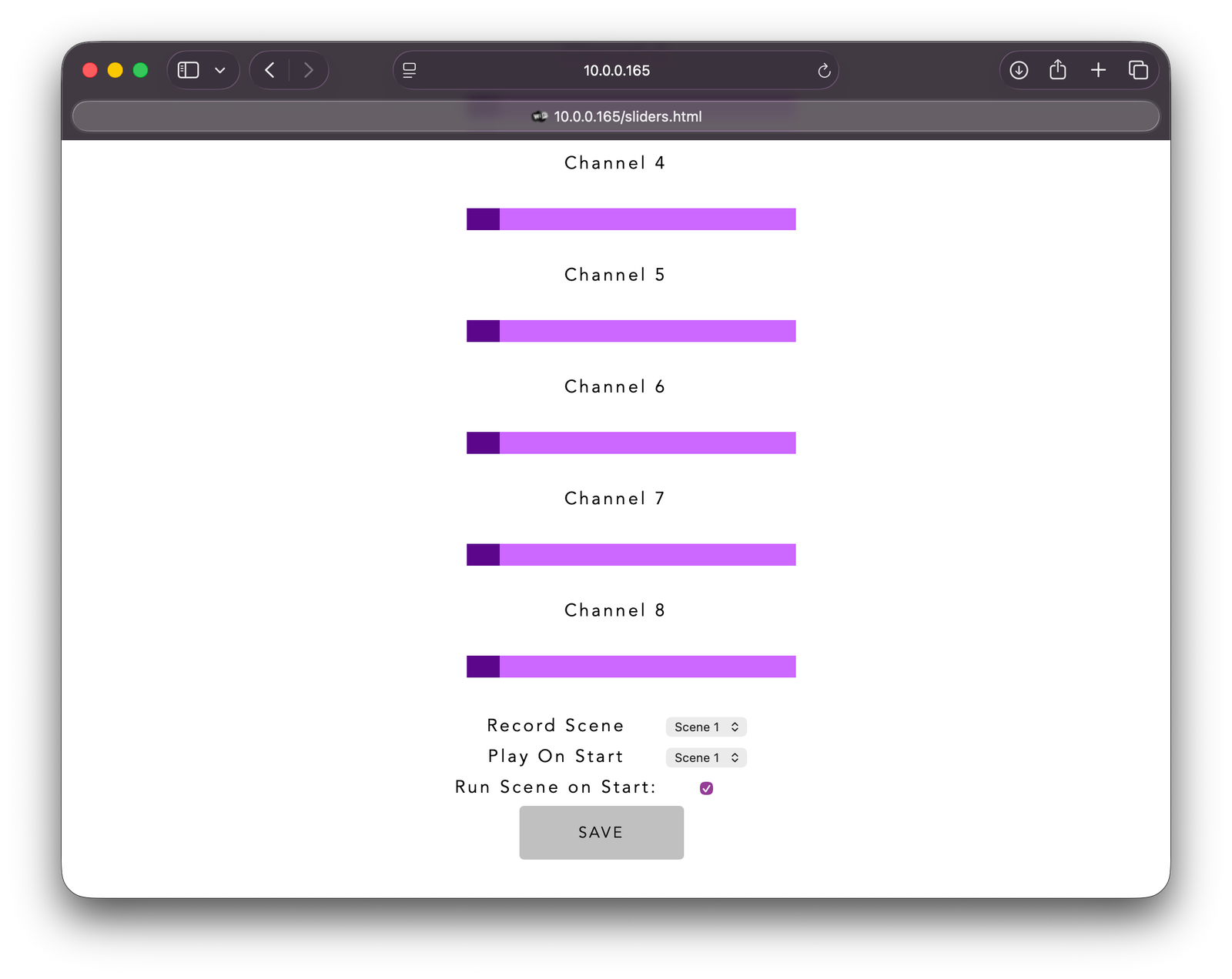
- LIVE CONTROL - access sliders to control the channels and to configure a power on scene or set a startup rainbow.
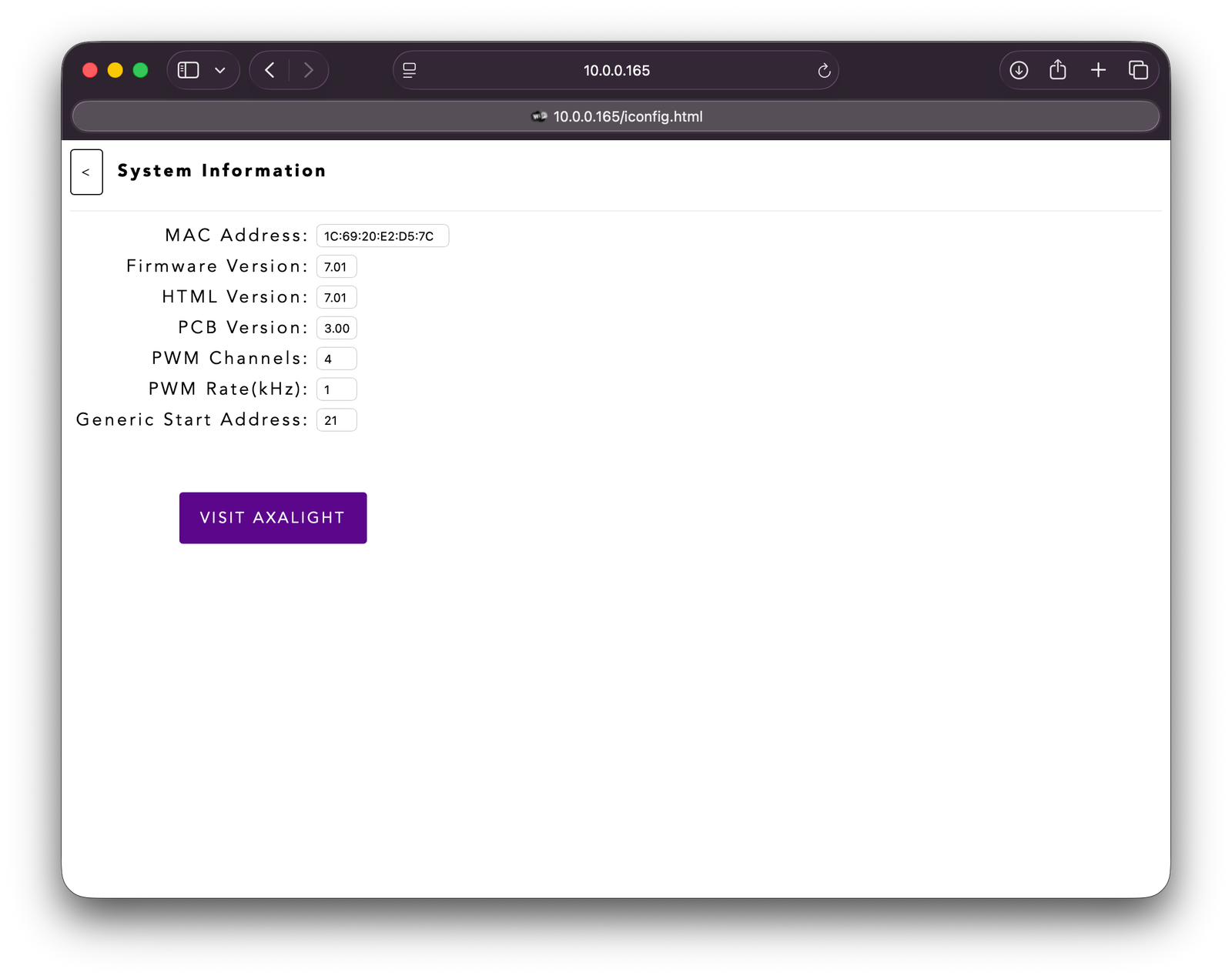
- SYSTEM DETAILS - provides hardware / firmware information